

Featured artwork: a generated illustration of the article’s subject. Screenshots and demonstrations below show the actual work.
Sometimes a collection is easiest to scan as a list. Sometimes the useful part is its metadata, a contact sheet or one large image. MediaSlide brings those four views into a responsive React media browser.
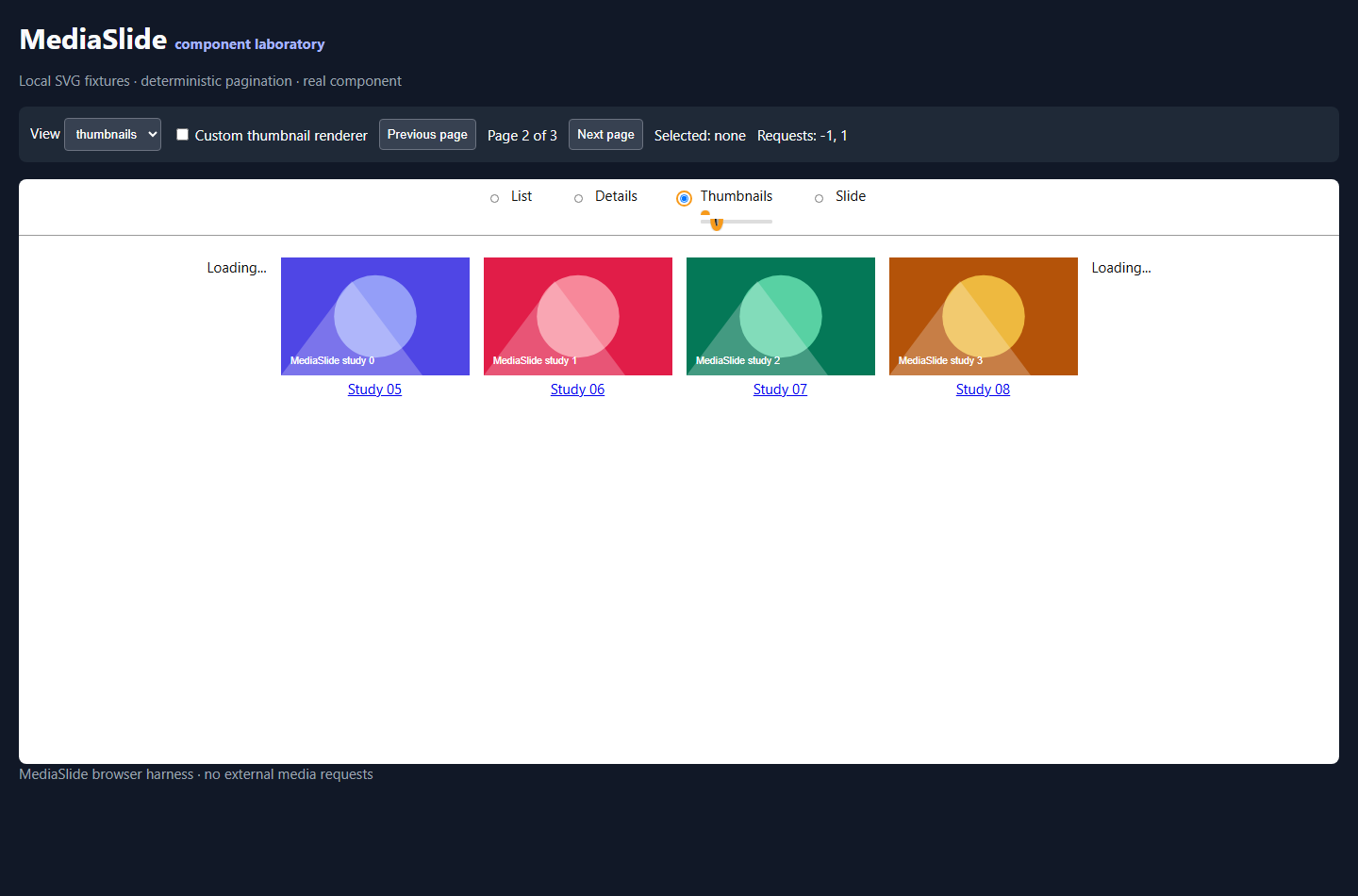
List mode keeps rows compact. Details mode presents metadata in a table. Thumbnail mode gives size and spacing controls. Slide mode provides a larger stage with a filmstrip. Selection can open an application-supplied information panel, and pagination can request earlier or later records.
This silent recording shows the real component in its public laboratory. It changes views, selects an item, moves between pages and finishes at a narrow viewport. The laboratory uses original SVG studies and explicit page controls so the demonstration is reproducible. Its fixture records are not a real media library or a performance benchmark.
Applications can supply their own item renderers, detail panels and active-file rendering. The collection therefore keeps its own data and visual decisions while the component handles the browsing controls. A container with an explicit height and stable item IDs forms part of that integration contract.
The canonical name is MediaSlide; the package remains react-mediaslide. The public demonstration is available to try, and the source guide documents the supported props and boundaries.
Leave a Reply