
Music, motion and media tools
Independent DanceFlow toolRasterMoves
More pixels. A recorded process.
RasterMoves performs local AI image upscaling through a Python library and CLI. Model plugins describe the weights and their source; shared PyTorch/Spandrel and ONNX backends run the processing and retain provenance.
What you can do with it
Local AI image upscaling
Prepare a small illustration for a larger layout, compare models on one image, or process a batch with recorded settings. Tiled processing helps bound memory; alpha handling keeps transparent artwork useful. Optional refinement is a separate creative choice, because it can change image content.
Choose the actual model
Inspect its architecture, scale, licence, source and checksum before inference.
Bounded local processing
Use the backend and tile settings that fit the available machine.
Reproduce the result
Keep the output, settings and provenance sidecar together.
Output you can inspect
Try RasterMoves.
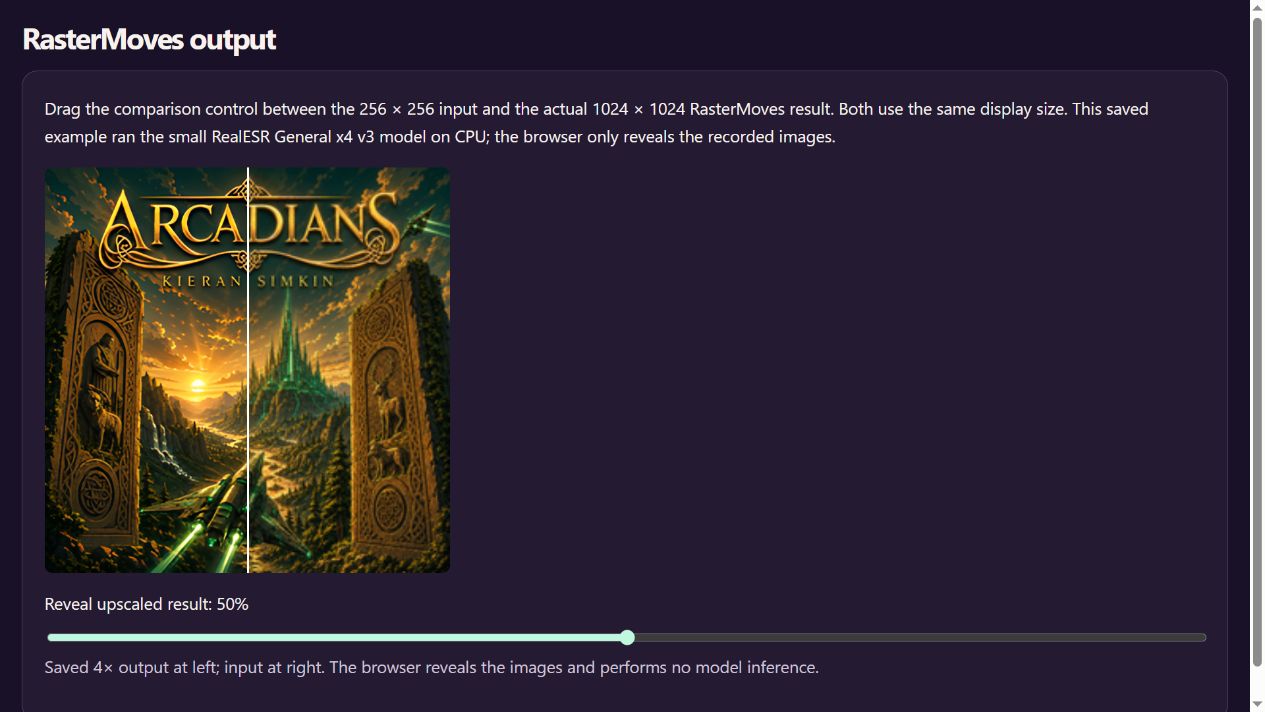
Drag the comparison control between the 256 × 256 input and the actual 1024 × 1024 RasterMoves result. Both use the same display size. This saved example ran the small RealESR General x4 v3 model on CPU; the browser only reveals the recorded images.
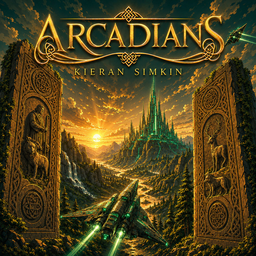
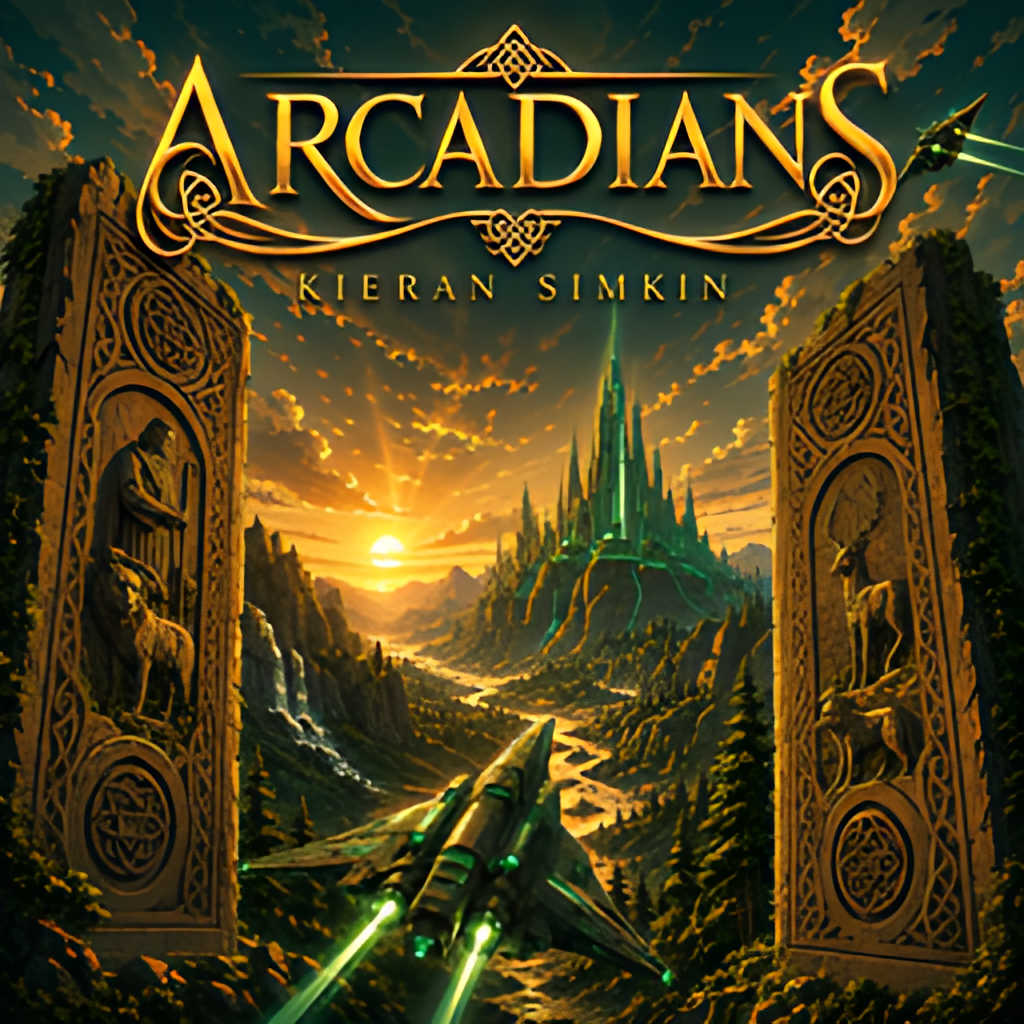
Saved 4× output at left; input at right. The browser reveals the images and performs no model inference.
Choose your route
Install and start.
For people
Python 3.10 or later; use a supported PyTorch/torchvision build for your machine. Choose the onnx extra instead for an ONNX model. CPU processing is possible; GPU support depends on the backend. Model weights and licences are separate from the tool package.
python -m pip install "rastermoves[torch]==0.3.4"
rastermoves --version
rastermoves doctor
rastermoves models
Inspect the catalogue, select a model and upscale one authorised image. Review the result at the intended crop and size, including edges, lettering and alpha. Start with one model before requesting an all-model comparison, which may download many checkpoints.
Checked releases and checksums · Full installation and API guide
For agents
Install the selected backend, run doctor and inspect the model manifest. Use one authorised input and an explicit output directory. Record hashes, dimensions, model, backend and settings; inspect the image as well as the exit status. Treat refinement as a separate proposed derivative and keep the original intact.
rastermoves doctor
rastermoves models
rastermoves upscale input.png --model 4x-realesr-general-x4v3 -o output.png
Portable RasterMoves agent skill · Codex and Claude installation
Install the selected component as well as any client skill. Repository marketplace installation is separate from a vendor’s curated directory.
Python environment setup
For Python routes, create a dedicated environment with a supported interpreter. Activate it before running python -m pip and the tool’s commands.
python -m venv .venv
# Windows PowerShell:
.venv\Scripts\Activate.ps1
# Linux/macOS:
source .venv/bin/activate
Versioned commands identify the checked packages used for this page on 8 October 2026. Check the release notes for newer versions and retain the checksum manifest. Third-party models and demo materials have their own terms.
A couple of useful questions.
Does AI upscaling recover the original missing detail?
It estimates detail from the model. Inspect invented edges, textures and lettering; retain the original as the authority.
Can RasterMoves upscale transparent images?
It supports alpha-aware processing. Check the chosen output and model at transparent boundaries rather than assuming every model preserves them identically.
Where it can fit.
Choose the components your work needs. These links describe related jobs; membership does not make every pair an automatic integration.
Current capabilities and working evidence.
Verified release 0.3.4. Local raster preparation with model discovery, tiled upscale, comparison, alpha preservation and optional refinement.
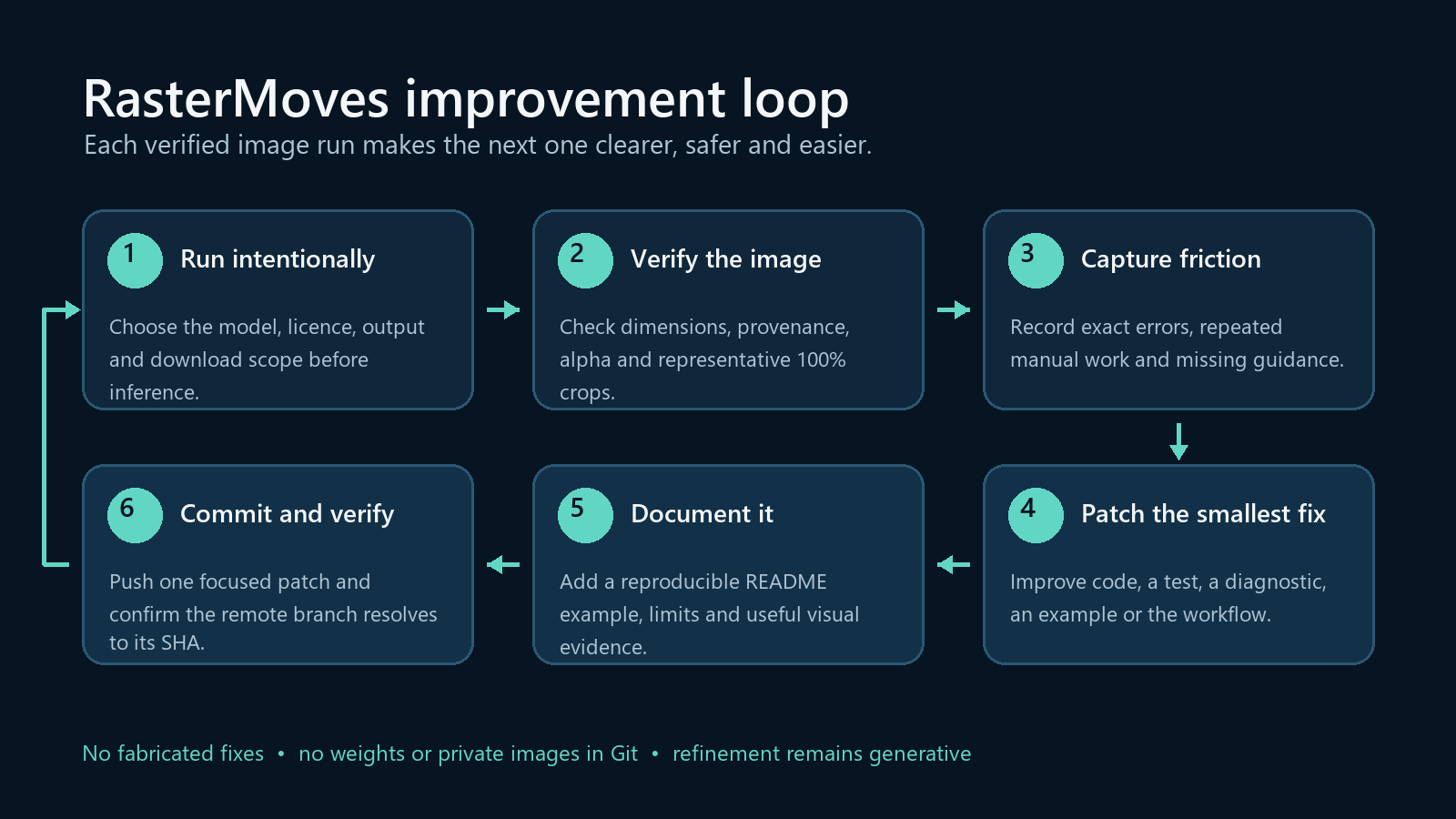
Feature routes covered by the current guide
- model/plugin discovery and dry runs
- tiled and resumable upscaling
- target sizing, alpha and provenance
- bounded comparisons and opt-in refinement
Open a working example Read every indexed capability
Check the latest stable release and the actual imported or installed identity before each new workflow. Use relevant ecosystem contracts and improve reusable gaps in their owning project.
Current capability and package audit · 23 October 2026
Current features and supported handoffs
Review the source-pinned capability inventory, package identity and working examples before choosing a route. Preserve the canonical tool owner, existing source authority and task-specific host/model acceptance.
Official stable source inspected: v0.3.4. Read the complete feature, package and example reference.
Unity recording and Potbot host handoffs keep source previews, installed runtime and qualified execution separate. Existing embedded examples retain their declared versions.